
How to Create Your JAMB Profile (2026)
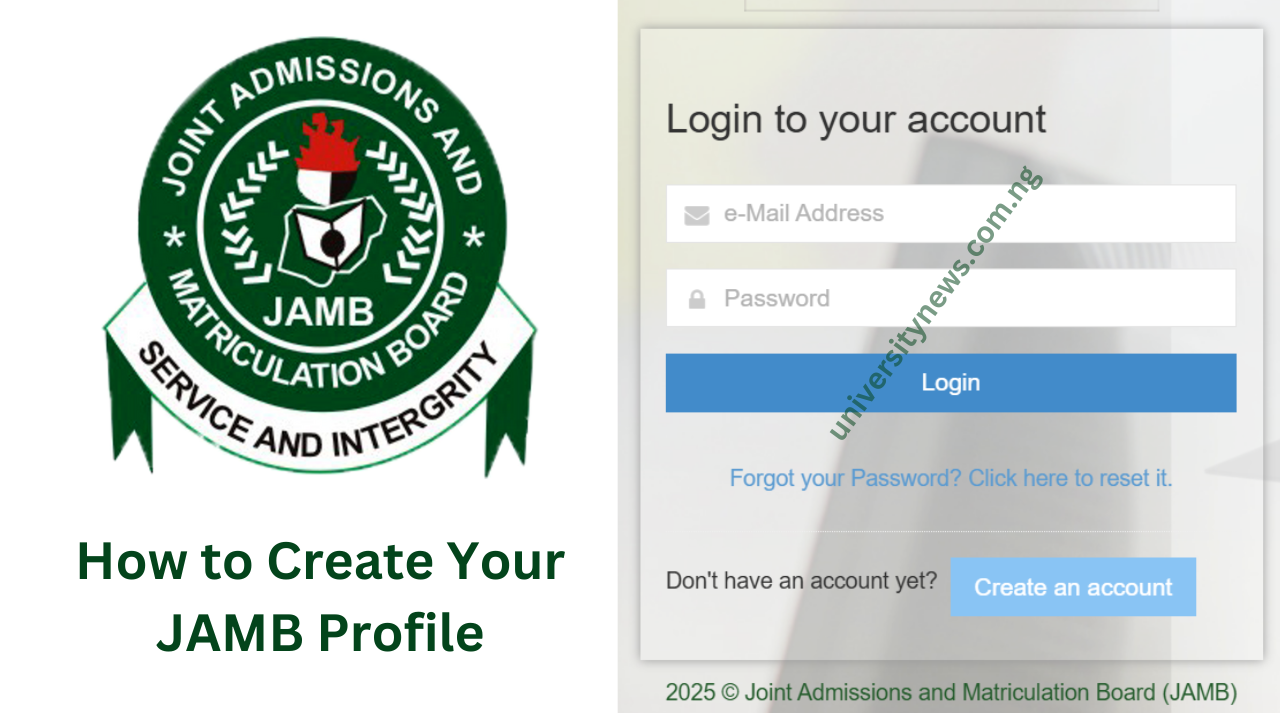
Create Your JAMB Profile: Creating a Jamb profile is very important. To access JAMB services, you first need to create an online profile on the JAMB E-facility portal.
This portal is where you can register for UTME, print your result slip, correct any mistakes in your details, check your admission status, or regularize your admission. It’s a one-stop platform for all your JAMB-related needs. Here is a Steps by Step Guide on How to Create a JAMB Profile.
Steps by Step Guide on How to Create a JAMB Profile
You can create a Jamb Profile using two methods; the SMS or the online method, Below is how to create a profile using either of the two methods.
How to Create JAMB Profile Using Online Method
Please follow these steps to create a profile with this method:
- Go to the JAMB E-Facility website: https://efacility.jamb.gov.ng/login
- Then click on “Create an Account” and select “Create Jamb Profile Account.”

- Fill in your email address and phone number, then click “Verify e-Mail.”
- Check your inbox for a verification link and click on it to proceed
- Make sure you fill out the personal information form carefully, including your name, date of birth, gender, and nationality.
- Create a password. This passport is what you will you to login to your profile at anytime.
- Click “Register” to complete the process
How to Create JAMB Profile Using SMS Method
The SMS method is very simple and straightforward.
You can create your JAMB profile by sending an SMS with “NIN” followed by your 11-digit NIN number to 55019 or 66019
Example: NIN 12345678901. You’ll receive a profile code, which is required for registration.
Or
- To do create profile, send a text that includes;
- Your Surname, FirstName, and MiddleName from the mobile number you used in creating your e-pin to 55019 or 66019.
- Example: if your name is Happiness Collins Columba, the message should read: Columba Happiness Collin. Starting with your surname.
- Please note there is an SMS charge of N50 for this service.
That it. Once you have successfully done that, check the email you provided during registration for verification and further instructions.
FAQS
1. Is having a JAMB Profile necessary?
Yes, it is not just necessary but mandatory. You will need a jamb profile to register for the UTME exams. It is also a requirement for admission in most universities in Nigeria
2. Can I create a JAMB profile without a NIN?
No, having a National Identification Number (NIN) is mandatory for creating a JAMB profile. You must register for NIN first before starting your JAMB registration
3. I sent my NIN to both 55019 and 66019 but still did not receive a profile code; what is next?
- Make sure you have enough airtime (minimum of ₦50).
- Check if your NIN is still linked to that particular number.
- If there is still no response, visit any JAMB office or NIMC center for assistance.
4. Am I allowed to use another individual’s phone number for creating my JAMB profile?
No, it must be your personal number, as it will be linked to your JAMB profile for all future communications.
5. What can I do to retrieve my lost profile code?
All you need to do is send “RESEND” to either 55019 or 66019 using the same phone number that you registered with in creating the profile.
6. Can I make any corrections on my JAMB profile after creating it?
Yes, some personal details such as name, date of birth, or sex can be updated for a certain fee. Visit any JAMB office or CBT center to apply for the corrections.
7.How do you log into your JAMB profile?
Enter the JAMB E-facility portal jamb.gov.ng put in your email and password, and click Login.
8. What to do when you have forgotten your JAMB profile password?
Click “Forgot Password” on the JAMB portal and follow the instruction to reset your password.
9. Can I use the same JAMB profile from last year?
Yes, if in any year you created a profile with JAMB, such an account is valid for another registration into UTME this year, but a new e-PIN will be needed this year for registration.
That’s all on “Create Your JAMB Profile”. SHARE!